

How Much Does It Cost to Build an App? Native, Web and Cross-Platform Compared
How much does it cost to build an app? Compare native iOS and Android, web and cross-platform, plus backend, design, store fees and upkeep costs.
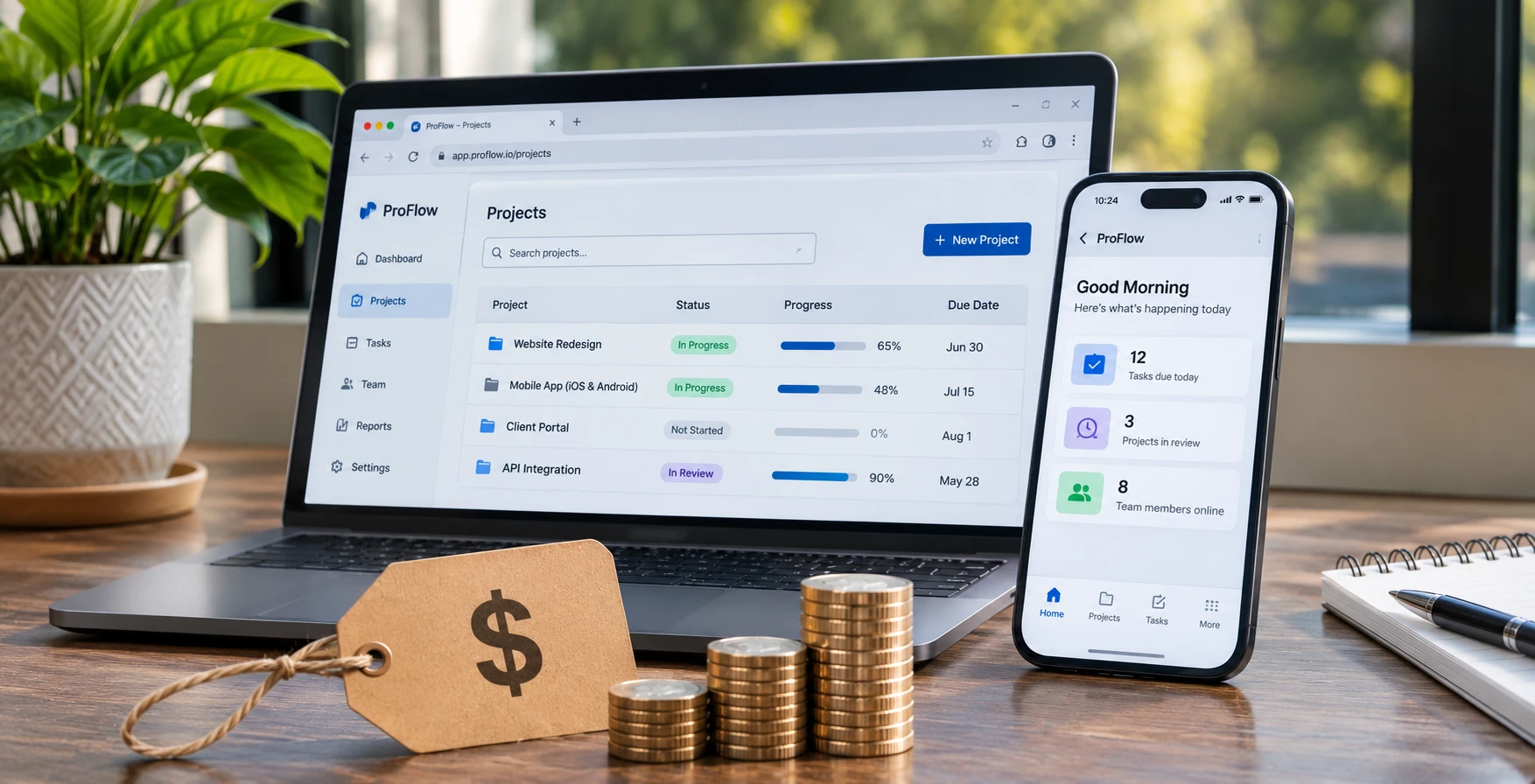
The cost to build an app depends mainly on three things: which platforms it runs on (iPhone, Android, web), how much backend and integration work sits behind the screens, and how much design, testing and compliance work it needs. Add the ongoing costs of hosting, store fees and maintenance, and you have the full picture. This guide explains each piece so you can budget with confidence.
We don't publish prices for app projects, and we won't quote an "average" we can't back up. Instead you get the cost drivers, a comparison of native, web and cross-platform options, the store fees from Apple's and Google's own pages, and a way to turn your idea into numbers.
How much does it cost to build an app?
It costs the number of hours the work takes, multiplied by the rate of the people doing it, plus the cost of running the app afterwards. That is the same formula behind every quote, from every kind of vendor. What changes from one app to another is the number of hours, and that is why published "average" prices for apps vary so much: a one-screen utility and a marketplace with payments, chat and an admin panel are different projects that happen to share the word "app".
One verified figure helps. The U.S. Bureau of Labor Statistics reports a median annual wage of $135,980 for software developers in May 2025 (BLS Occupational Outlook Handbook, updated August 2026). That is roughly $65 an hour over a 2,080-hour year, and it is a wage, not a billing rate. A company's rate also covers benefits, equipment, design, testing, management and downtime. Real quotes vary, so treat the BLS number as a reality check, not a price.
Several questions move the hours more than anything else:
- How many platforms? One platform or several.
- How many screens and features? And how many user types, such as customers, staff and administrators.
- What does the backend do? Accounts, data, payments, notifications, reports.
- What other systems must it connect to? Each connection adds work.
- What rules apply? Health, financial, student or government data adds security and compliance work.
If you want the general method for turning those answers into an estimate, our companion guide on custom software development cost includes a step-by-step worksheet.
Native vs web vs cross-platform: how each approach changes the cost to build an app
The first big decision is how the app reaches your users. Each approach trades build effort, user experience and reach differently.
| Approach | What it is | Relative build effort | Strengths | Trade-offs |
|---|---|---|---|---|
| Native iOS and Android | A separate app for iPhone and for Android, written with each platform's own tools | Highest: two apps to design, build and test | Best fit with each phone, full access to device features, smooth performance | You maintain two codebases and need both store accounts |
| Web app | An application that runs in the browser on any device | Lower: one codebase, no store review | Reaches phones, tablets and computers from one build; instant updates | Limited access to some phone features; not in the app stores |
| Cross-platform | One shared codebase that produces both an iPhone and an Android app (React Native and Flutter are common tools) | Between the two: shared code, but some platform-specific work | One team for both stores; faster to keep in step | Some features still need native code; behavior can differ on each phone |
A few practical notes on choosing:
- Native is the right call when the app depends on the camera, sensors, offline use, background processing or a polished platform feel. Our mobile app development in Dallas work focuses on native iOS and Android apps for this reason.
- A web app is often the cheapest way to reach everyone and the fastest way to learn what users want. If your users sit at a desk or the app is mostly forms, lists and reports, start with web application development.
- Cross-platform can reduce duplicated effort when both stores matter and the app is not heavy on device features. Ask any vendor which tools they use in production and how they handle the parts that need native code.
You don't have to pick everything at once. Many teams start with a web app or one platform, learn from real users, and add the others once the product is proven. That is the idea behind MVP development: build the smallest useful version first, then grow it with evidence.
The backend: the half of the cost to build an app users never see
Most apps are two things: the screens people tap, and a server that stores data and does the work behind them. The server side is the backend, and the connection between the two is an API (the way the app asks the server for information). Buyers often budget for screens and forget the backend, which can be as large as the app itself.
A backend typically covers:
- User accounts and sign-in, including password resets and, where needed, multi-factor authentication.
- A database for the information your app stores and shows.
- Business rules, such as pricing, permissions and approvals.
- Notifications: push messages, email and SMS.
- Payments, through a payment provider whose own fees apply on top.
- An admin area so your staff can manage users, content and reports.
- Integrations with your CRM, scheduling, accounting or other systems.
Each of these is a line in the estimate, and each integration depends on how good the other system's documentation is. If your app has to share data with existing systems, our system integration team can scope that work separately. We build the backend and the app together on AWS with our cloud and DevOps team, so nothing gets lost between vendors.
Design, testing and compliance costs
Design
Good design costs hours and saves more than it costs. Research and a clickable prototype let you test the idea with real users before developers build it, when changes are cheap. The work includes user research, flows, screens, a visual style and accessibility. Our UX/UI design service puts research first, so the screens reflect what users do rather than what looks good in a slide.
Testing
An app must work across many phones, screen sizes and software versions, and on slow networks. That means automated tests, manual testing on real devices and testing for security. This is not a line to trim: problems found by users after launch cost more to fix, and bad reviews in a store are slow to recover from.
Compliance and security
If your app handles health information, payments, student records or government data, rules apply to how data is stored, who can see it and what is logged. HIPAA is one example. These requirements shape the architecture and add security work, testing and review time, so raise them on day one. Nebustream's own security program has been examined under SOC 2 for security, availability and confidentiality.
Store review is part of the project. Apple and Google review apps before they appear in their stores, and they can reject an app that breaks their rules. Leave time and budget for submission, fixes and resubmission, especially for apps that collect personal data.
Ongoing costs: hosting, store fees and maintenance
The build is only the first bill. Plan for these recurring costs from the start.
Store accounts and fees
These come straight from the stores' own pages (checked November 2026):
- Apple Developer Program: US$99 per membership year, or the local-currency equivalent (Apple). Eligible nonprofits, accredited schools and government entities can request a fee waiver. You need membership to distribute apps on the App Store.
- Google Play Console: a one-time US$25 registration fee (Google Play Console Help).
- Store commissions: if you sell through the stores' billing, such as paid apps or in-app purchases, each store takes a share. Apple's Small Business Program lowers its commission to 15% for developers with up to US$1 million in proceeds the prior year (Apple). Google's service fee varies by country and program and changed for some markets in 2026, so read its current service fee page before you plan your pricing.
Hosting and services
Your backend runs on cloud servers, and you pay for what you use: computing, storage, databases, email and SMS, maps, push notifications and monitoring. These costs grow with your user count. Our guide to cloud cost optimization explains how to keep them under control.
Maintenance
Apple and Google release new operating system versions every year, and apps that aren't updated can break or lose features. Maintenance covers operating system updates, bug fixes, security patches, library updates and small improvements. It is the cost most often left out of first budgets, so ask your vendor to itemize it.
Average cost to build an app: why averages mislead, and how to spend less
If you search for the average cost to build an app, you will find ranges from a few thousand dollars to hundreds of thousands. Those averages mix tiny utilities with large platforms, freelancers with agencies and one platform with three. An average tells you nothing about your app, which is why we start from your scope.
What does work is a short checklist for lowering cost without cutting quality:
- Build one platform or a web app first. Prove demand before paying for everything.
- Cut the first version to one core job. If a feature isn't needed to test your main idea, park it.
- Design and test a prototype before development. It is the cheapest place to find mistakes.
- Reuse proven services. Use established providers for payments, maps and messaging instead of building them.
- Release in phases. Each phase gets its own budget and a decision point.
- Budget for upkeep up front. Maintenance planned from the start costs less than rescuing a neglected app.
- Ask for a demo every two weeks. We work in two-week sprints that end in working software, so a wrong turn shows up in days.
Common questions about app costs
Is it cheaper to build a web app than a mobile app?
Usually, yes. A web app is one codebase that works on any device and doesn't go through store review, so it takes less effort than two native apps. The trade-off is limited access to some phone features and no presence in the app stores.
Why does it cost more to build for both iPhone and Android?
Native apps are separate products for each platform, so design, building and testing happen twice. Cross-platform tools share some of that work, but you still test on both platforms and may need native code for some features.
Does the cost to build an app include the backend?
It should, but check. Many quotes cover screens only. Ask whether accounts, database, APIs, admin tools and integrations are included and listed as separate lines.
What are the yearly costs after launch?
Apple charges US$99 per membership year and Google charges US$25 once, and you will also pay for hosting, third-party services and maintenance. Hosting and maintenance depend on your usage and how often you want new features, so ask for estimates for both.
Can you give me a price over the phone?
We don't publish prices because they depend on scope. In a free 30-minute call with the engineers who would build your app, we talk through users, platforms and the smallest useful first release, then scope from there.
Ready to put numbers on your app idea?
Tell us who the app is for, which platforms you need and what it must connect to. We'll help you decide what belongs in version one on a free 30-minute call with the engineers who would build it.
More Articles

Custom Software Development Cost: What Drives It and How to Estimate Yours
November 28, 2026
Custom software development cost explained: the six cost drivers, a breakdown by phase, a simple way to estimate your own project and ways to spend less.
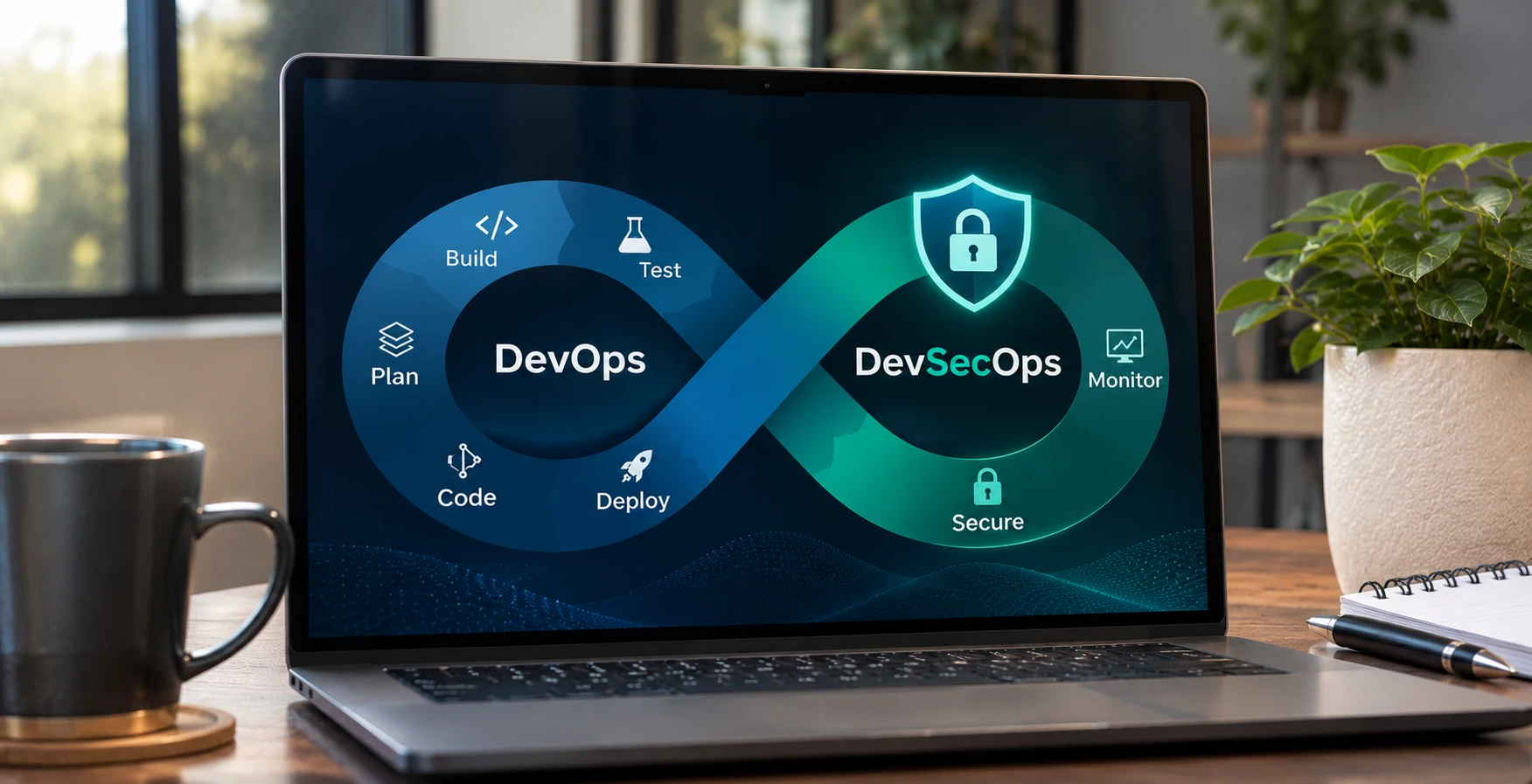
DevOps vs DevSecOps: The Difference, a Comparison Table and When You Need It
November 28, 2026
DevOps vs DevSecOps explained: the clear difference, a side-by-side table, what security adds at each pipeline stage and when regulated data requires it.

Is Claude HIPAA Compliant? What Anthropic and OpenAI Actually Cover (2026)
November 28, 2026
Is Claude HIPAA compliant? What Anthropic's BAA covers, how ChatGPT compares, and what a HIPAA compliant chatbot needs beyond the model. As of November 2026.