

DevOps vs DevSecOps: The Difference, a Comparison Table and When You Need It
DevOps vs DevSecOps explained: the clear difference, a side-by-side table, what security adds at each pipeline stage and when regulated data requires it.
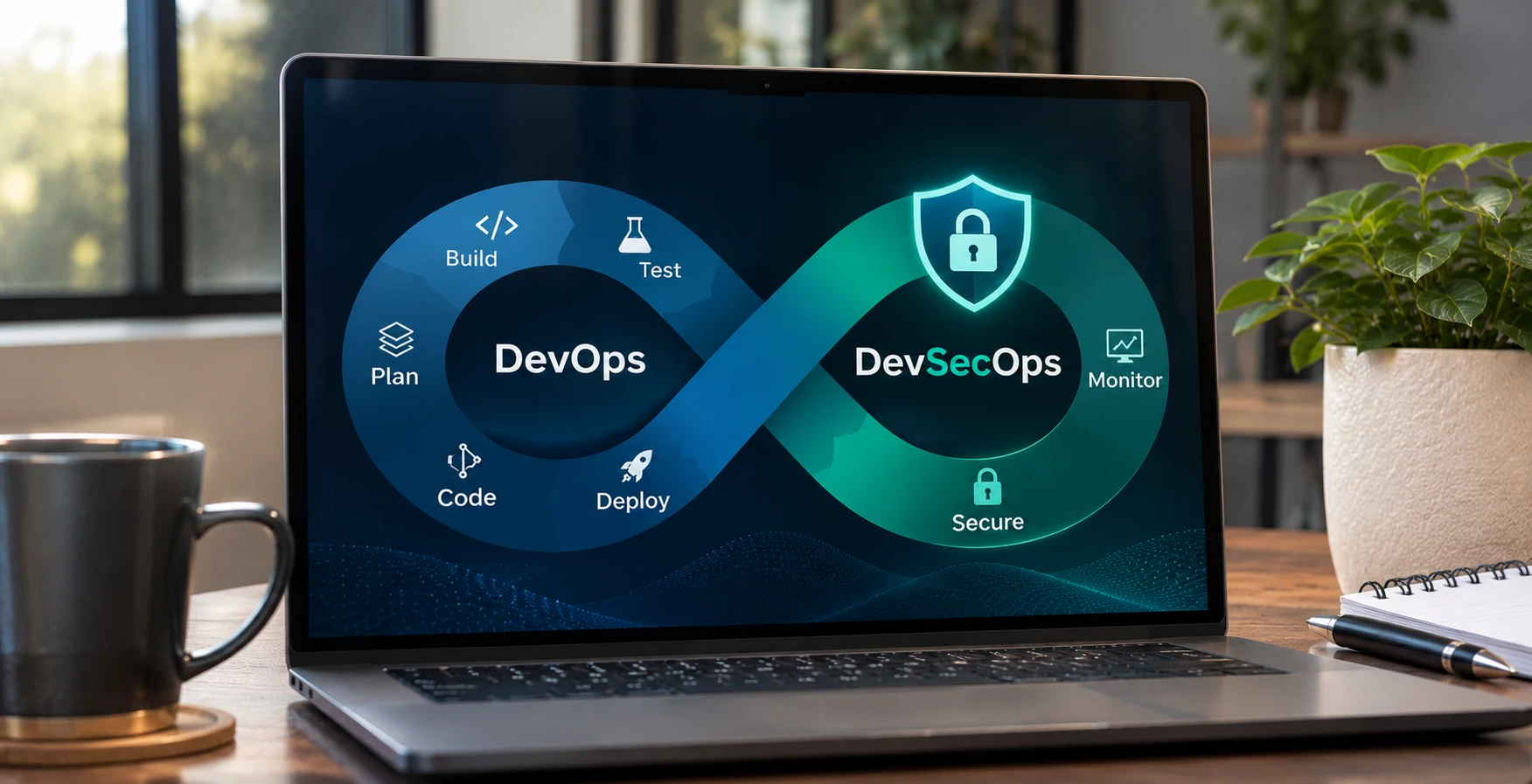
DevOps vs DevSecOps comes down to when security happens. DevOps automates how software is built, tested and released so teams ship faster. DevSecOps is DevOps with security checks built into every step of that pipeline, so vulnerabilities are caught while the code is being written instead of after it ships.
Most teams don't choose one over the other. DevSecOps is an extension of DevOps, and if you already run a CI/CD pipeline, you have the foundation. This guide gives you the clear difference, a comparison table, what security adds at each pipeline stage, a practical path from DevOps to DevSecOps, and how to tell when regulated data, SOC 2 or HIPAA makes it a requirement.
What is the difference between DevOps and DevSecOps?
DevOps is a way of working in which development and operations teams share one automated pipeline. Code is built, tested and deployed the same way every time. The goal is speed and reliability: shorter release cycles, fewer manual steps, fewer surprises in production.
DevSecOps adds a third group, security, to that same pipeline. The idea is often called "shift left": move security checks earlier in the process, where problems are cheap to fix. Instead of a security review at the end of a project, scanning and policy checks run automatically on every change.
The difference between DevOps and DevSecOps is therefore not a different set of tools or a separate team. It is a change in who owns security and when it happens:
- In DevOps, security is often a gate at the end. A review happens before release, and anything found sends the work back.
- In DevSecOps, security is a shared responsibility across the whole pipeline. Developers see security findings in the same place they see failed tests.
Short version: DevOps asks "can we ship this quickly and reliably?" DevSecOps asks the same question and adds "and is it safe to ship?" at every step, not only at the end.
DevSecOps vs DevOps: a side-by-side comparison
If you are weighing DevSecOps vs DevOps, this table shows where the two practices differ and where they overlap.
| DevOps | DevSecOps | |
|---|---|---|
| Main goal | Faster, more reliable releases | Faster, reliable and secure releases |
| When security happens | Often at the end, as a review or gate | At every stage, automatically |
| Who owns security | A separate security team | Shared by developers, operations and security |
| Typical security checks | Manual review, occasional penetration test | Code scanning, dependency checks, secrets detection, container and infrastructure scanning in the pipeline |
| Cost of fixing a finding | Higher, because it is found late | Lower, because it is found while the code is fresh |
| Evidence for auditors | Often collected by hand | Produced by the pipeline as a by-product |
| Fits best when | Speed is the main constraint | You handle sensitive or regulated data, or customers send security questionnaires |
| Shared foundation | CI/CD, automation, infrastructure as code, monitoring | The same, plus security controls in each of them |
Notice the last row. Everything DevOps gives you is still there. DevSecOps adds to it; it does not replace it.
What DevSecOps adds at each stage of the pipeline
A pipeline has the same basic stages in both approaches. What changes is the security work attached to each one.
Plan. Security requirements are written next to the feature requirements. The team asks what data the feature touches, who can see it and what could go wrong. This is called threat modeling, and even a one-hour session per feature catches design flaws that are expensive to fix later.
Code. Developers get fast feedback while they work. Typical additions are secrets detection (so passwords and keys never reach the repository), pre-commit checks and static analysis, which reads the code without running it to find risky patterns. Consistent development environments help here too. Our article on why devcontainers are the way forward explains how to give every developer the same, controlled toolchain.
Build. The pipeline checks the libraries your application depends on for known vulnerabilities and flags risky licenses. Many teams also produce a software bill of materials, which is a list of every component in the build.
Test. Alongside unit and integration tests, the pipeline runs dynamic analysis, which tests the running application the way an attacker would, and scans container images for known issues.
Release and deploy. Infrastructure is defined as code, so the same security checks apply to environments as to application code. Policy checks block a deployment if, for example, a storage bucket is public or a database is unencrypted. Approvals and change records are captured automatically.
Operate and monitor. Logging, alerting and vulnerability scanning continue after launch. Access is reviewed, patches are applied on a schedule and findings feed back into planning for the next sprint.
A useful reference: NIST's Secure Software Development Framework (SP 800-218) groups secure development practices into four areas: preparing the organization, protecting the software, producing well-secured software and responding to vulnerabilities. It is vendor-neutral and a good checklist when you are deciding what to add first.
How to move from DevOps to DevSecOps
You do not need to stop shipping to adopt DevSecOps. The teams that succeed add security in small steps, starting with the checks that produce the most value for the least friction.
- Start with what you have. Map your current pipeline from commit to production. Note where security happens today, who does it and how long findings take to reach a developer.
- Add the cheap, high-value checks first. Secrets detection and dependency scanning are quick to add and catch common problems. Run them in the pipeline and report results where developers already look.
- Set a sensible policy before you set a hard gate. Begin in "warn" mode so the team can see the volume of findings. Then block only the severity levels you have agreed to fix quickly, such as critical issues, so the pipeline does not become a wall of noise.
- Describe environments as code. Templates such as AWS CloudFormation make infrastructure reviewable and testable. Once an environment is code, you can scan it like code.
- Add static and dynamic analysis. Bring in code analysis and application testing as the team gets comfortable with the earlier checks.
- Measure and review. Track how long findings stay open, how many reach production and how often releases are blocked. Review the numbers every sprint and adjust.
- Change the habits, not only the tools. Developers need to own fixes, security staff need to help write the rules, and operations needs a say in what gets blocked. Without that, a new scanner is just a new source of ignored alerts.
This is the same approach we describe on our DevOps consulting page. We assess how code is built, tested and released today, build the pipeline with your team and help change the habits around it. Because we work in two-week sprints that end with a demo of working software, you see security checks running on your own application early, not at the end of a long project. Our broader AWS cloud and DevOps practice covers the infrastructure those pipelines run on.
When do you need DevSecOps instead of plain DevOps?
Plain DevOps can be enough for an internal tool or a prototype that holds no sensitive data. DevSecOps becomes the sensible default, and sometimes a practical requirement, in these situations:
- You handle regulated or sensitive data. Health records, student data, financial information and government data all raise the cost of a breach. For health data, the HIPAA Security Rule expects safeguards such as access control, audit logging and encryption. Read more on our HIPAA compliance page.
- You are pursuing SOC 2. SOC 2 auditors look for evidence of change management, access control, logging and vulnerability management. A DevSecOps pipeline produces much of that evidence automatically. We went through the process ourselves, and you can see how we approach it on our SOC 2 page. Our own company has been examined under SOC 2 for security, availability and confidentiality.
- Enterprise customers send security questionnaires. If your sales team spends weeks answering questions about how code is reviewed, scanned and released, a documented DevSecOps pipeline gives you consistent answers.
- You sell to government. Federal and state programs often ask how software is built and secured. We use FedRAMP services and have implemented cloud-based projects in environments containing Department of Defense Controlled Unclassified Information (CUI).
- You release often. The faster you ship, the less a manual review at the end can keep up. Automation is the only way security scales with release speed.
A quick test: if a security finding in production would force you to notify customers, regulators or both, build security into the pipeline now. For help choosing which controls fit your threats and regulations, our information security team works with your staff on the approach, and our DevSecOps service covers the pipeline work itself.
Common mistakes when adding security to DevOps
- Buying a tool and calling it done. A scanner without an owner or a fix process becomes noise. Decide who triages findings and how fast they must be fixed.
- Blocking everything on day one. Hard gates before the team has cleaned up existing issues stop releases and teach people to bypass the checks.
- Treating compliance and security as the same thing. A passing audit means controls existed and worked. It does not mean the software has no vulnerabilities. Pipeline checks help with both, but they are not a substitute for judgment.
- Forgetting people and process. Security training, clear ownership and a lightweight approval path matter as much as scanners.
- Ignoring environments. Secure application code running on a misconfigured server is still exposed. Scan infrastructure definitions too.
Frequently asked questions about DevOps and DevSecOps
What is the main difference between DevOps and DevSecOps?
DevOps automates the build, test and release of software. DevSecOps does the same and adds automated security checks at every stage, so security is a shared, continuous responsibility instead of a final review.
Is DevSecOps replacing DevOps?
No. DevSecOps builds on DevOps. You keep the pipeline, automation and collaboration and add security controls inside them. A team that has never automated its releases should start with DevOps basics first.
Does DevSecOps slow down releases?
It can at the start, while the team clears existing findings and tunes the rules. Once the checks are tuned, they run in minutes and usually reduce rework, because problems are fixed when the code is fresh.
Do I need DevSecOps for SOC 2?
SOC 2 does not require a specific methodology. It does expect evidence of change management, access control, monitoring and vulnerability management, and a DevSecOps pipeline is an efficient way to produce that evidence.
Do I need DevSecOps for HIPAA?
HIPAA does not name DevSecOps either. Its Security Rule is risk-based and expects safeguards for electronic protected health information, including access control and audit logging. Building security checks into your pipeline is one practical way to support those safeguards. HIPAA compliance describes your whole organization, so confirm your obligations with your counsel.
How long does it take to move from DevOps to DevSecOps?
It depends on how mature your pipeline is, so we don't quote a fixed timeline. Most teams add the first checks, such as secrets and dependency scanning, quickly and then expand over several sprints.
Ready to add security to your pipeline?
Book a free 30-minute call with the engineers who would do the work. We will review how you build and release today and tell you plainly where security checks would help most.
More Articles

Custom Software Development Cost: What Drives It and How to Estimate Yours
November 28, 2026
Custom software development cost explained: the six cost drivers, a breakdown by phase, a simple way to estimate your own project and ways to spend less.
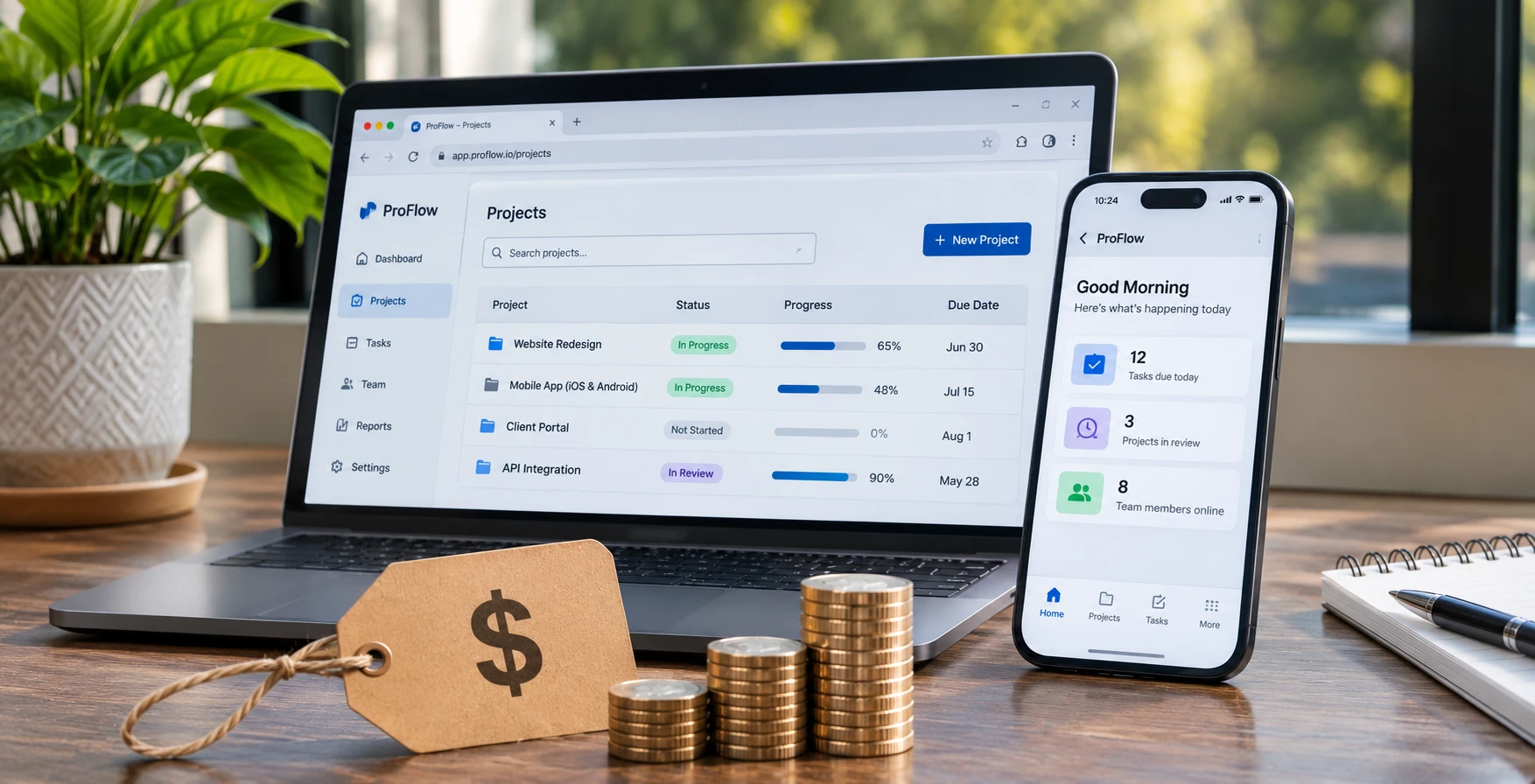
How Much Does It Cost to Build an App? Native, Web and Cross-Platform Compared
November 28, 2026
How much does it cost to build an app? Compare native iOS and Android, web and cross-platform, plus backend, design, store fees and upkeep costs.
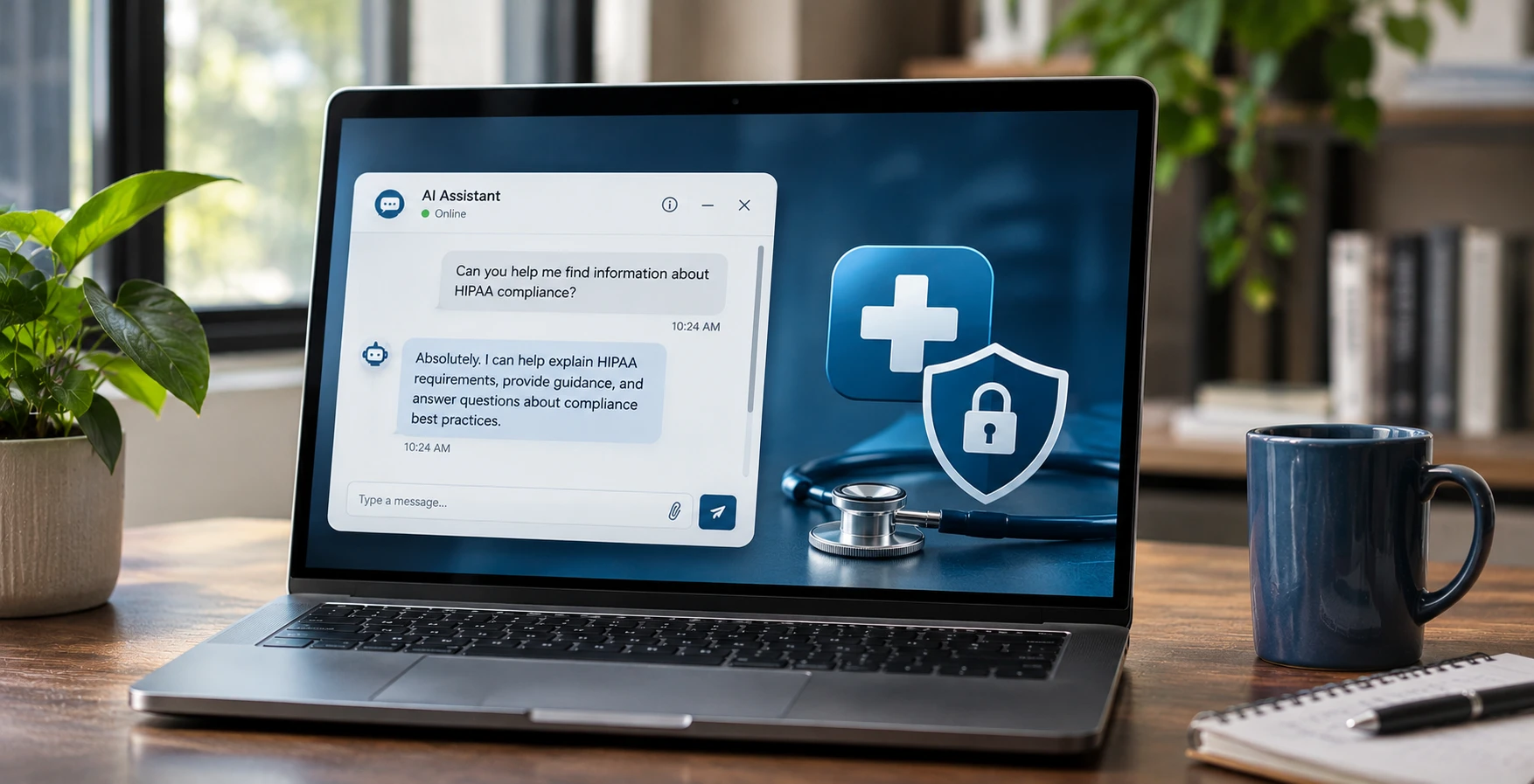
Is Claude HIPAA Compliant? What Anthropic and OpenAI Actually Cover (2026)
November 28, 2026
Is Claude HIPAA compliant? What Anthropic's BAA covers, how ChatGPT compares, and what a HIPAA compliant chatbot needs beyond the model. As of November 2026.